
Tech Support, Phone, Robocall & Text Message Scams — How criminals use fear and fake urgency — through tech-support pop-ups, phone calls, robocalls, and text messages — to steal your money or take over your computer.
How These Scams Work
Tech support scams begin with an unexpected contact — a phone call, a pop-up on your computer screen, or a text message. The scammer claims to be from a well-known company like Microsoft or Apple and tells you that your computer is infected with a virus, that your account has been compromised, or that you owe money.
Pop-up warnings often appear suddenly, filling your screen with alarming messages and a phone number to call "immediately." These pop-ups are designed to look exactly like real warnings from Microsoft or Apple. They may play loud audio alerts or lock your browser to create panic.
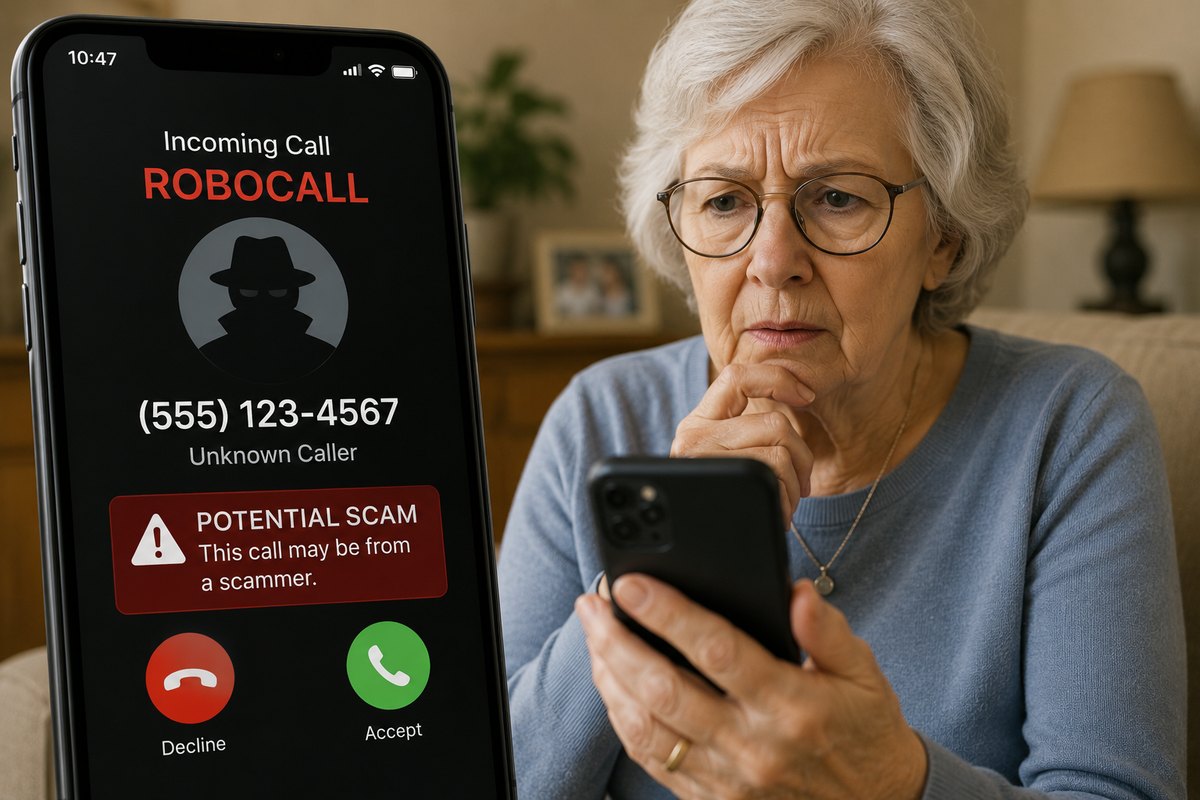
Robocall threats use an automated message claiming your Social Security number has been suspended, that you owe the IRS, or that a warrant has been issued for your arrest — all lies designed to make you call back in a panic.
⚠️ Warning
Microsoft, Apple, and the IRS will NEVER call you out of the blue to warn you about a problem. If you receive such a call, it is a scam — hang up immediately.
Warning Signs
Knowing the warning signs can stop a scam in its tracks before any money changes hands.
- •Unsolicited contact: You did not reach out to them first. A real tech company does not call you unless you called them.
- •Urgency and fear: They create panic — "your computer will be locked," "your bank account is being drained," "police are on the way."
- •Requests for remote access: They ask you to download software (like TeamViewer or AnyDesk) so they can "fix" your computer. Once in, they can steal everything.
- •Gift card payments: Legitimate companies never ask for payment via gift cards. If someone asks for Apple, Google Play, or Amazon gift cards, it is always a scam.
- •Wire transfers or cryptocurrency: Requests to wire money or buy Bitcoin are also hallmarks of fraud.
⚠️ Red Flag
If a pop-up appears on your computer with a phone number to call, do NOT call it. Close your browser (press Ctrl+W or use Task Manager). If the pop-up won't close, restart your computer.
What To Do
The most effective thing you can do is act immediately to stop contact and protect your accounts.
✅ Step 1: Hang Up or Close the Window
Do not engage. Do not ask questions. Just hang up the phone or close your browser. You do not owe them an explanation.
✅ Step 2: Never Give Remote Access
Do not download any software they suggest or allow them to connect to your computer. If you already did, disconnect from the internet immediately and call a trusted family member or IT professional.
✅ Step 3: Never Buy Gift Cards as Payment
No legitimate organization accepts payment via gift cards — not the IRS, not Microsoft, not Apple, not your bank. This is always a scam.
✅ Step 4: Report It
Report to the FTC at reportfraud.ftc.gov or call 1-877-382-4357. If you lost money, also file with the FBI at ic3.gov. Your report helps protect others.
Real Examples & FBI Statistics
Tech support fraud is one of the most financially damaging scams targeting older Americans. According to the FBI's Internet Crime Report, people over 60 are disproportionately targeted and lose more money per victim than any other age group.
$590 Million
Lost to tech support fraud in 2023, according to the FBI's Internet Crime Complaint Center (IC3). Seniors over 60 accounted for nearly half of all victims.
A common scheme: a pop-up warns a 74-year-old that her computer has been hacked. She calls the number on screen. The "technician" shows her fake virus warnings on her own computer, then convinces her to wire $12,000 to "protect" her bank accounts. The money goes to overseas criminals and is never recovered.
⚠️ Remember
If you or someone you know has been victimized, do not feel ashamed. These are sophisticated, professional criminals. Report it and seek help — it is never too late.